
Guide
Please read this manual carefully! In case you don't use the latest version of web browsers some functions may not work properly!
Recommended browsers :
- All time latest Google Chrome. Free download: Chrome download
- All time latest Mozilla Firefox. Free download: Firefox download
- All time latest Microsoft Edge. Free download: Microsoft Edge download
Specification of the system
- Please reserve your date before the delivery.
- After loading - in case you have an EKÁER number - the system would keep the license plate number updated in the area of Hungary.
So what is the EKÁER number?
According to the Hungarian laws every freighter vehicles must have an EKÁER number if it carries goods inside the EU. In case it does not have an EKÁER number or the details are inaccurate (i.e.: registration number) then according to the Hungarian laws the authority can arrest the shipment and inflict a fine on.(up to 40% of the value of the goods) An EKÁER number is valid for 15 days which means that the delivery must arrive to our warehouse inside of this period.
- When registration is finished it would get an EKÁER number automatically.
- Precise knowledge and providing the purchase order number.
- The date of loading can not be modified retrospectively.
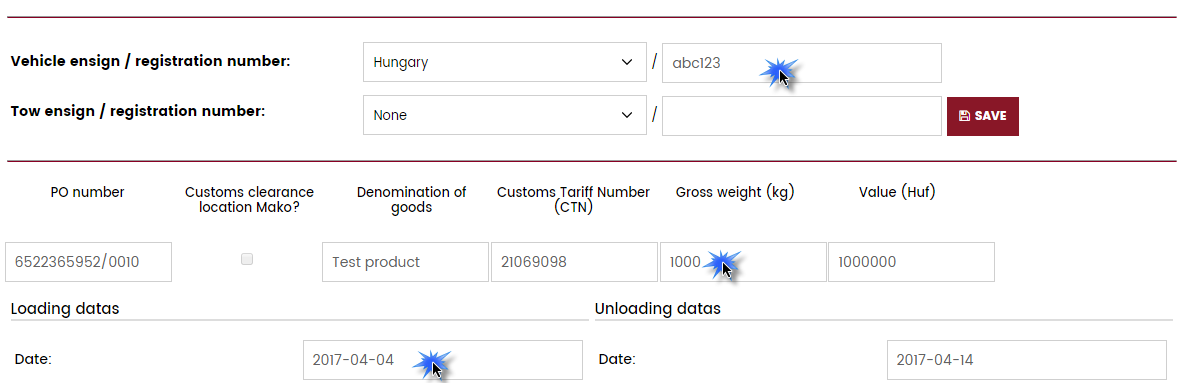
- License plate numbers of the forwarding vehicle (tractor, tow) must always be accurate and actual in the registration!
- In case of a Hungarian road check the registration number or any detail that you provided does not match with the details provided during the registration we would devolve the penalty upon you!
- In case of a freighter vehicle carries more purchase order numbers, then the po numbers belong to a particular registration number must be registered separately. There is function for this action in the system.
- During a Hungarian road check the goods are registered to the system must match those goods that are physically on the truck. Also every further data must match actually during a road check.
- Every single hauler vehichle must have an EKÁER number for each deliveries since 01. 03. 2015. There's a chance that more EKÁER numbers must be registered inside a single delivery.
- You must provide the correct purchase order number. The warehouse shall always always provides the proper p.o. number, which details would automatically fill in during the registration to the correspondent fields.
Purchase order numbers could be two kinds:
- 10 digit sequence of numbers: 45012345676/00010
- 8 digit sequence of numbers: 50122269/00010
- As you provide the digits located previous to the slash, our system would fill in for you the correspondent details. I.e.: It's enough to fill in: 4501234567.
- The date of the loading can not be modified retrospectively! It means that you can not set the date of loading regarding to the past!
- Registration numbers of the forwarding vehicle (tractor, tow) must always be accurate and actual in the registration in the Hungarian area! You may modify registration numbers limitless!
- If any details would change you could modify that inside the system.
- You must claim an EKÁER number for every single purchase order numbers separately indepently whether one or more trucks would deliver them.
- In case a firm had already registered with a p.o. number you reservation for that paricular one would not be valid. In this case after providing the p.o. number the system would indicate for you the fact that this delivery is already registered by someone else, so it's not possible for you. You wuold be provided wiht the details who or which firm to contatc to. Considering this rule the role of keeping contact increases, so if your contact details are false in your registration, please rectify them.
Transshipment
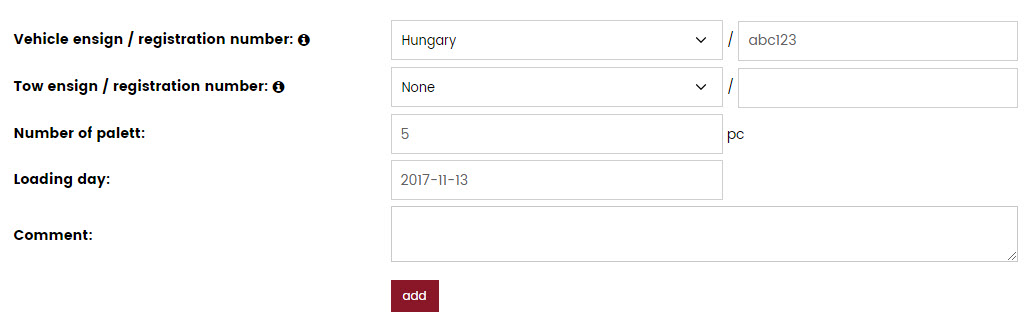
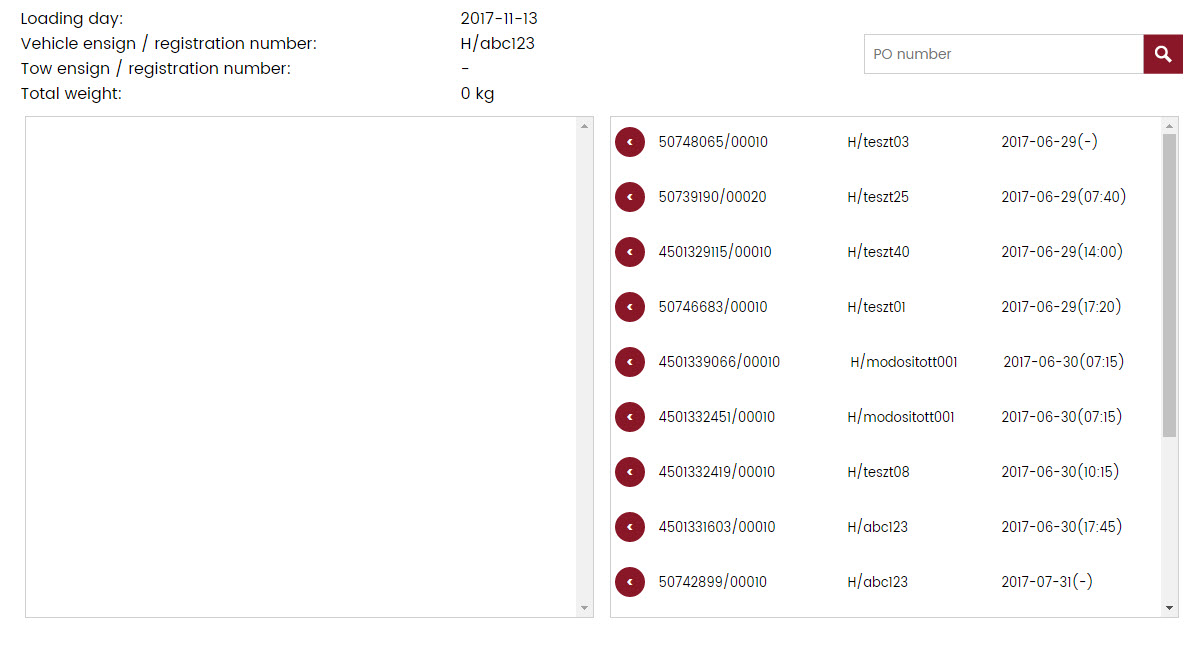
In this menu you can register a new and empty lorry. You may tranship goods to this one later. Only unschedule deliveries could be transhiped.
You may tranship your unscheduled goods to an empty lorry. You can find the empty lorry on the left and the unscheduled goods are on the right handside.
Step by step
- Log in to the system!
- Register a date! (Time registraton) Highly important! Please provide the details of the registration punctually!
- Please pass the verificatory docmentation to the driver or send that to us in an email attachment.
- Let's take a look to the stage of your unloading in My reservations menu.
- In case the lorry could not arrive to the registered date you must claim for a cancellation request. Serious error! If your lorry could not arrive in time and you did not claim a cancellation request that would be classified as a serious error. That could be spelt! Inside My reservations menu with the Cancellation request button. In case this button had already dissappeared you should cancel you time registration via phone or email.
- I received a fatal error message during registration! The reason for this could be that something was filled in incorrectly during registration. In this case you do not have a valid registration.
Time registration
You may register a date at least from the next day. The 2 most important items are the correct license plate number and the purchase order number! Let's login with the username and password!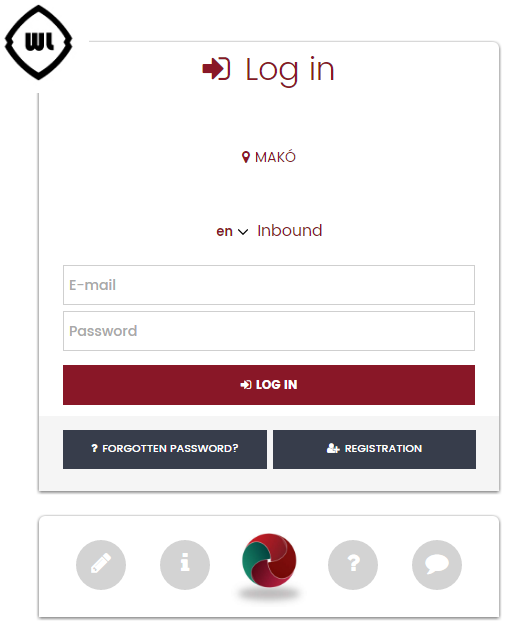
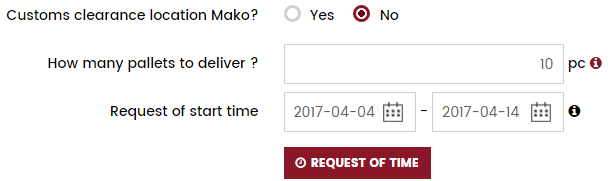

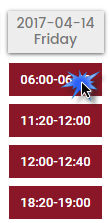



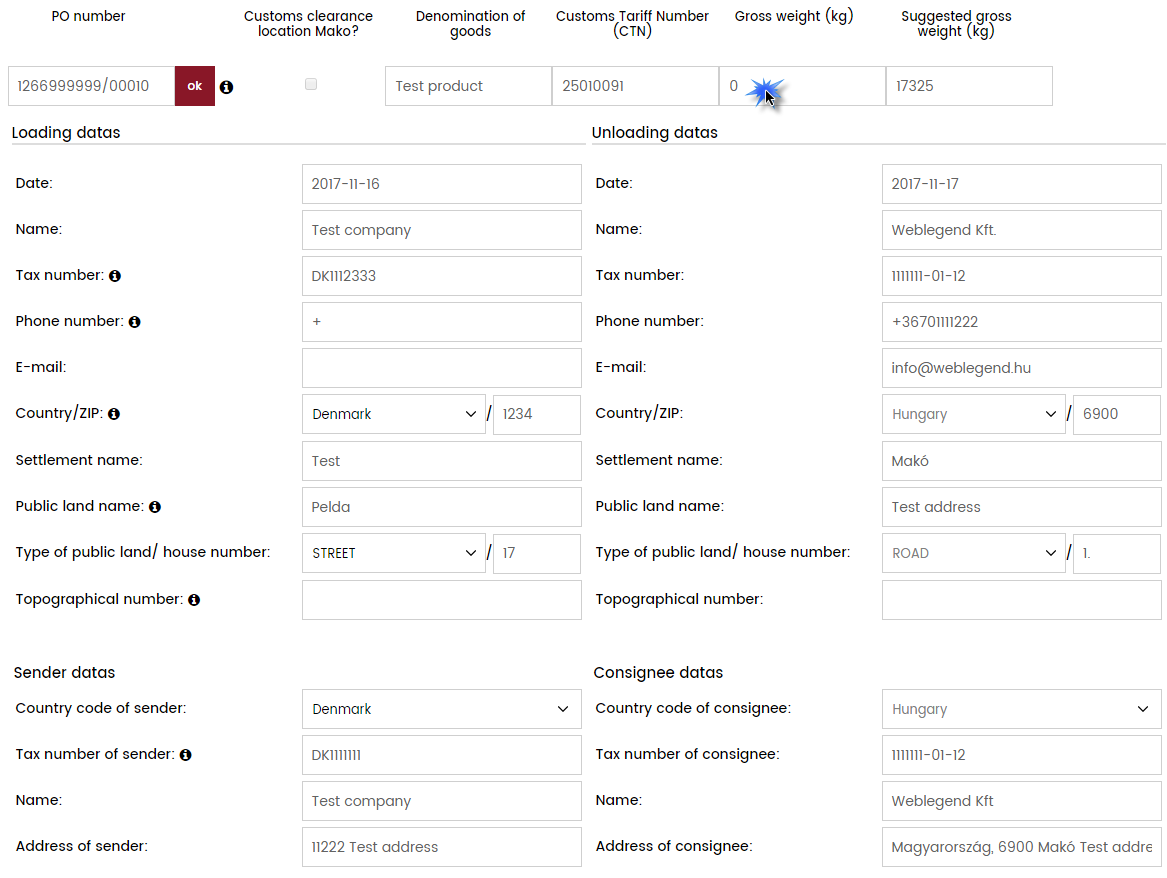


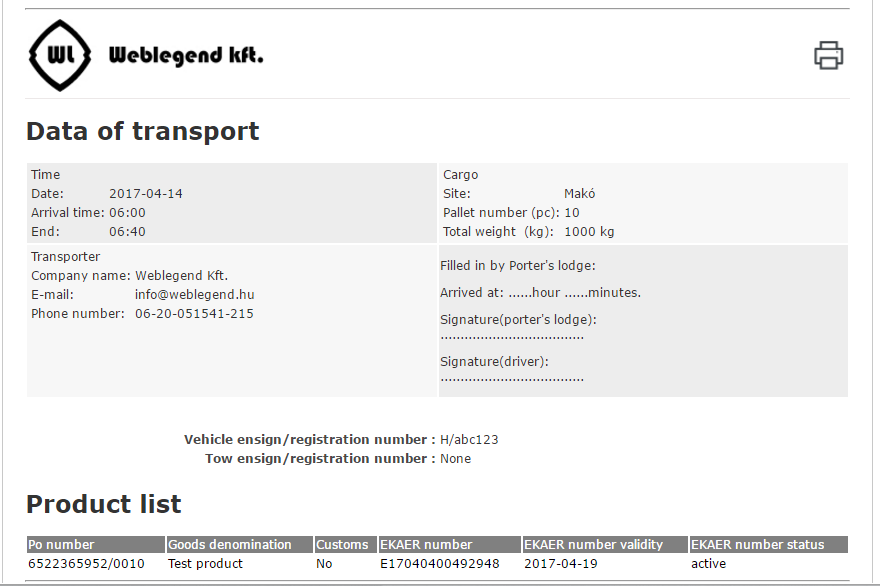
A respond email looks like this formally:
My reservations, modifing datas
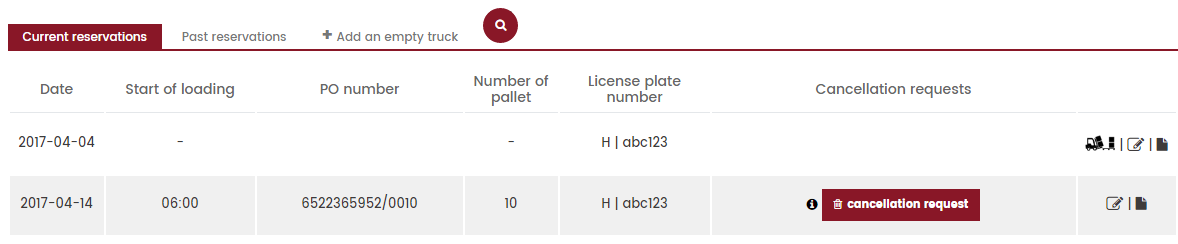
Inside „My reservations” menu you can inspect your time registrations. You may edit the details of your registration by the aim of Edit icon.

 |
You may see the unloadings of the actual day under the Actual reservations menu. |
 |
Under Past reservation you may inspect the already unloaded deliveries. Editing is also possible here. |
| Editing icon. It would only appear if loading had already happened. | |
| View the detailed datasheet. | |
| Meaning: Arrived in time and the lorry is already unloaded. | |
| Lorry had appeared in the registered day but was late to the exact time. | |
| Lorry had not appeared in the registered date. | |
 |
If the lorry could not arrrive to the registered date you must claim a Cancellation request. An Administrator would delete that. |
 |
If you still not want to cancel your date you can revoke your request here. |
Add a new item to an already registered delivery
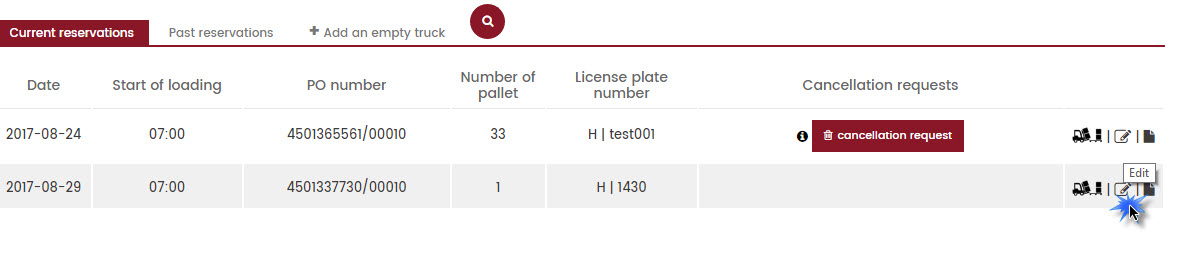
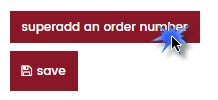
It is always possible to add new items to a delivery after finishing registration. This function is needed in order to get known with it and use it in cases when an item is accidentally left out when making a reservation. This way it is possible to add an item without making a new registration when the lorry was already registered independently that comes for a date or not.
After 24. 08. 2017. it is only possible to deliver to the warehouse that the particular p.o. arrives on the day when it was registered to.(I.e.: if a PO was registered to 26. 08. 2017. 2 pm. then it could not arrive to the warehouse on 25. 08. 2017. neither on 27. 08. 2017. the way that was transhiped to a lorry which went to Makó without doing the tranship process in the software.)
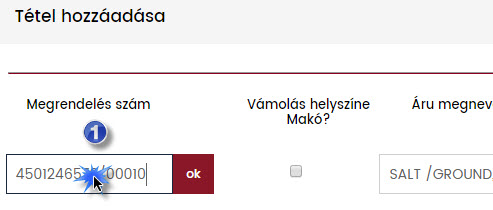
It is possible to add new items to every delivery after finishing the registration. You should choose the delivery from the list of the Actual reservations and click on the Edit icon.
Chat
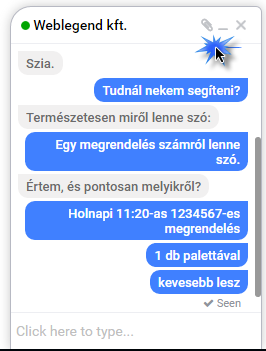
You can use chat function to make communication easier. On the freighters' surface you can only communicate with the administrators of the warehouse. You can switch on/off the message signal by clicking on the "loudspeaker" icon.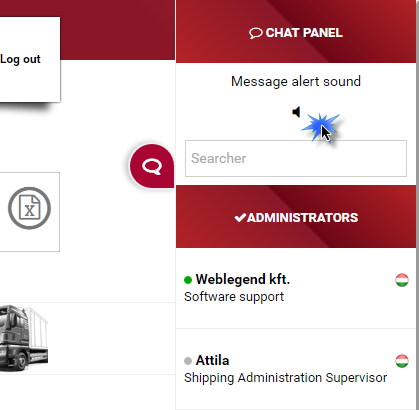
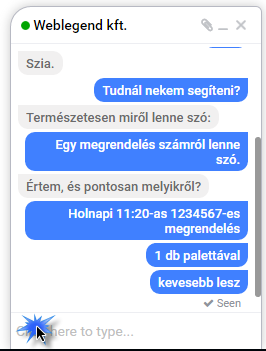
My details
You may modifiy your own details by clicking on your username.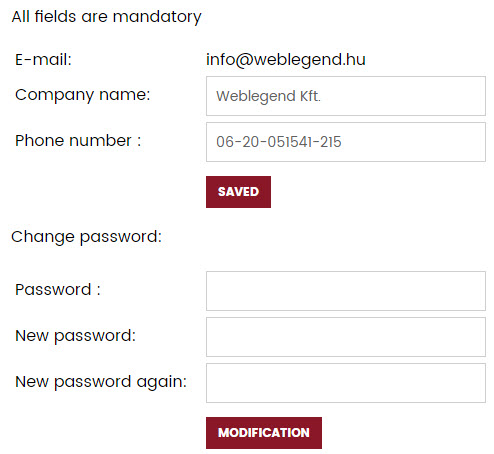
Contact
You may contact via e-mail with one of the Warehouse staff who deals with deliveries. We can only answer to an email with correct email address.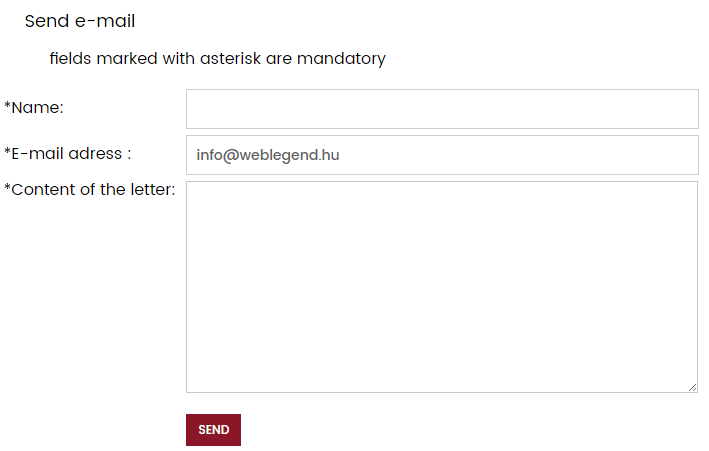
Company details
Here you can read informations about the warehouse. This menu also contains the details of the Contact persons.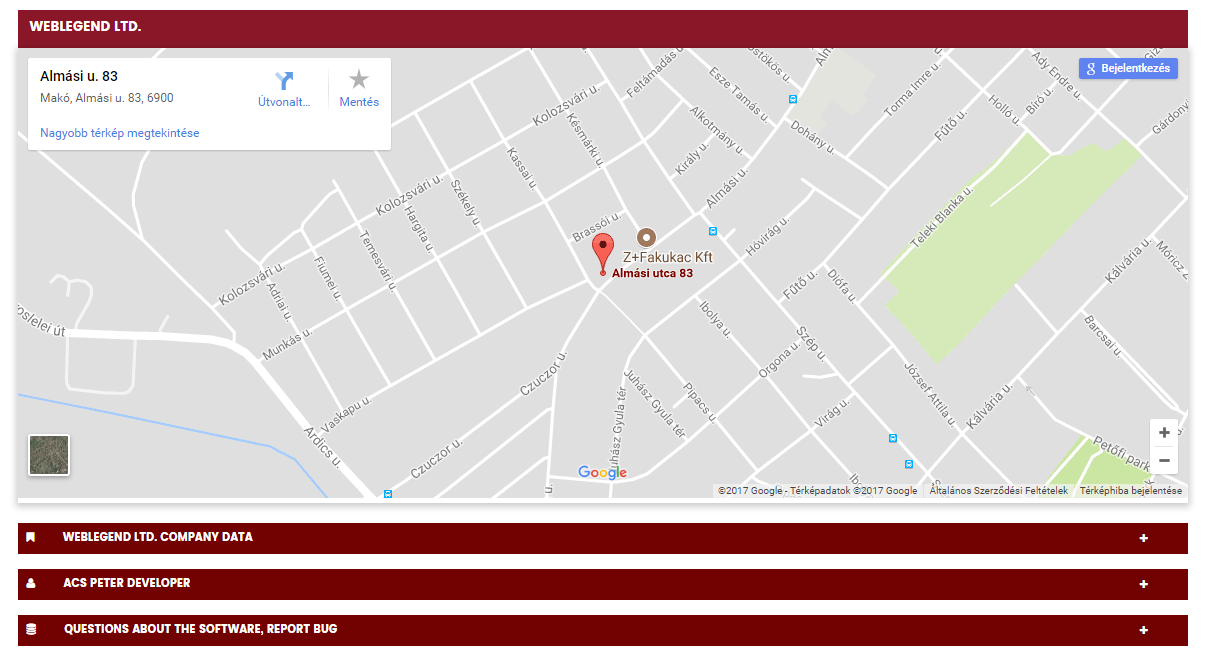
Correspondence
Automatic correspondence: The system would send a letter automatically in the following cases:
- Successful registration.
- Activation
- In every timeg registrations. This letter should be printed out and handed to the driver. In every license plate modification. Should be printed out with the modified licencse plate number and handed to the driver.
- After every cancelled date.